JSON to XML, YAML, CSV Converter
Format, Validate, and Convert JSON Instantly
Supported Conversion Pairs
Transform your JSON payloads into the format your downstream systems expect. Every conversion preserves data types, handles edge cases, and produces output that passes schema validation on the first try.
Structured Markup Output
Nested objects become nested elements; arrays render as repeated child nodes. XML namespaces, attributes, and CDATA sections are configurable. Ideal for SOAP endpoints, legacy enterprise APIs, and configuration files like web.xml or log4j.xml.
Human-Readable Configs
One-to-one structural mapping with proper indentation, quoting rules for ambiguous scalars, and multi-document support. Perfect for Kubernetes manifests, GitHub Actions workflows, and Ansible playbooks where readability matters.
Flat-File Tabular Export
Arrays of objects flatten into rows with automatic header inference. Nested values are dot-path expanded (e.g., user.address.city) or stringified as JSON fragments when depth exceeds your threshold. RFC 4180 compliant with configurable delimiters and BOM handling.
Type Definitions from Data
Infer interfaces and type unions from your JSON structure. Arrays become Array<T>, unions of types produce discriminated unions, and optional fields are marked with ?. Output plugs directly into your types.d.ts or domain models.
How the Mapping Engine Works
Complex nested objects don't break our converter — they drive it. Here's what happens under the hood when you drop a 200-node JSON tree into the pipeline.
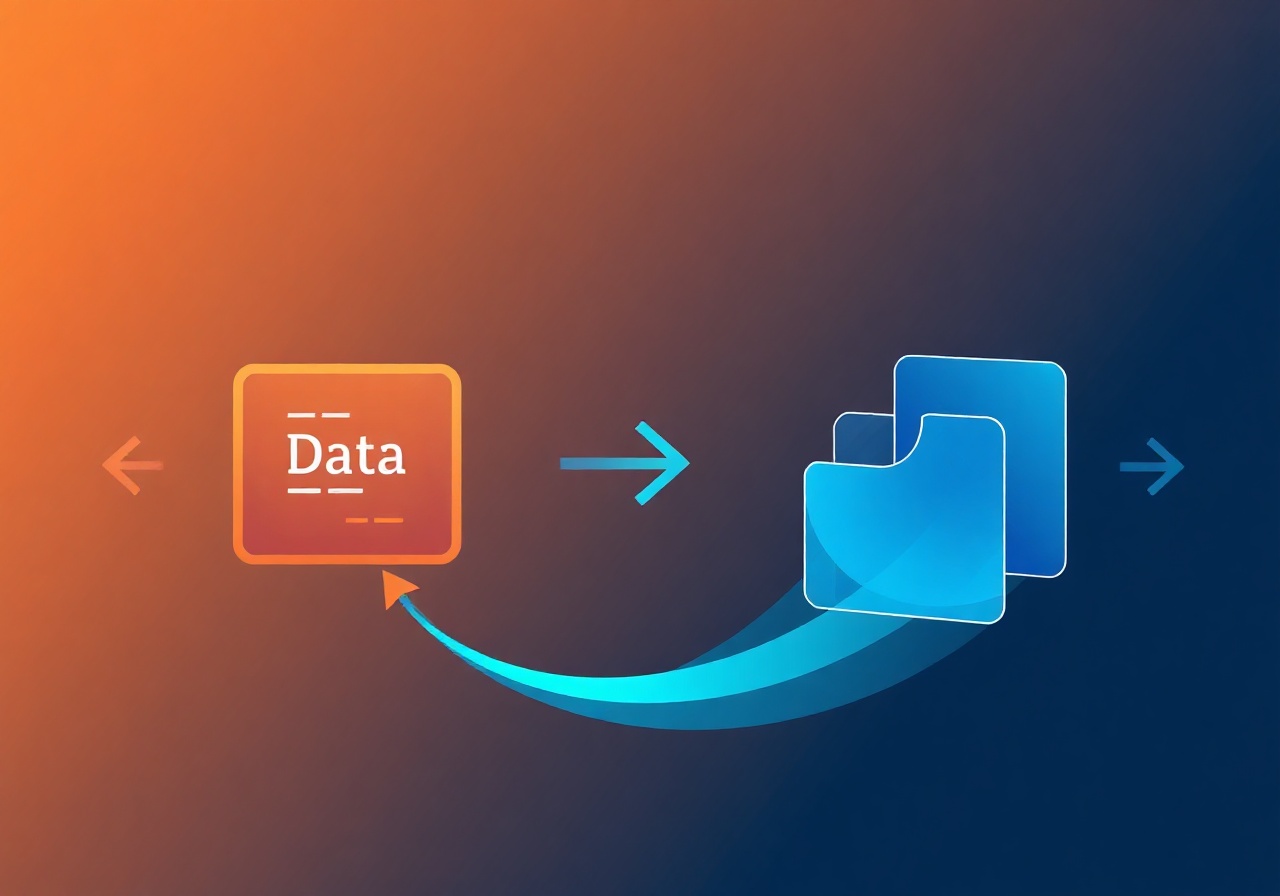
Shape analysis. The engine walks the entire AST once, building a shape map that distinguishes between objects, arrays, primitives, nulls, and mixed-type unions. This single pass determines how each node serializes in the target format.
Nested object flattening for CSV. When exporting to CSV, nested keys are expanded using dot notation by default. So { "order": { "items": [{ "sku": "A123", "qty": 2 }] } } becomes columns order.items[0].sku and order.items[0].qty. You can toggle "collapse nested" to serialize sub-objects as JSON strings instead — useful when the consumer will re-parse them.
Attribute vs. element mapping for XML. Key-value pairs at any depth can be promoted to XML attributes via a simple naming convention: keys prefixed with @ become attributes, everything else becomes child elements. Arrays of primitives emit one element per value; arrays of objects emit one wrapper element per item.
Data integrity guarantees. Numbers retain full precision (no floating-point truncation). Unicode strings survive round-trips without BOM corruption. Null values map to the correct semantic equivalent in each format — <null /> in XML, ~ in YAML, empty fields in CSV. Timestamps in ISO 8601 stay untouched; the converter never reinterprets a string that looks like a date unless you opt in.
Real-World Use Cases
Teams across infrastructure, data engineering, and API development rely on these conversions daily.
JSON → YAML for Kubernetes
Export Helm chart values or Terraform JSON outputs into YAML manifests that kubectl apply accepts without modification. Field ordering is deterministic so diffs stay clean in CI.
JSON → CSV for Warehouse Loads
Flatten API responses from Stripe, Shopify, or HubSpot into CSV for bulk upload into Snowflake, BigQuery, or Redshift. Handles millions of records with streaming output — no memory spike.
JSON → XML for SOAP Services
Bridge modern REST microservices with legacy SOAP endpoints. Namespace prefixes, envelope wrapping, and header injection are all configurable so the XML conforms to your WSDL contract.
JSON → TypeScript Interfaces
Paste a sample API response and get typed interfaces in seconds. Keeps your frontend models in sync with backend changes without manually editing .ts files.
Start Converting Now
Paste your JSON, pick a target format, and get validated output in one click. No sign-up, no rate limits, no data stored on our servers.
The converter runs entirely in your browser. Your JSON never leaves your machine — the transformation happens client-side using WebAssembly-accelerated parsers. Try it with a 50 KB config file or a 5 MB API dump; the same engine handles both.
Open the Converter Read the Conversion Reference